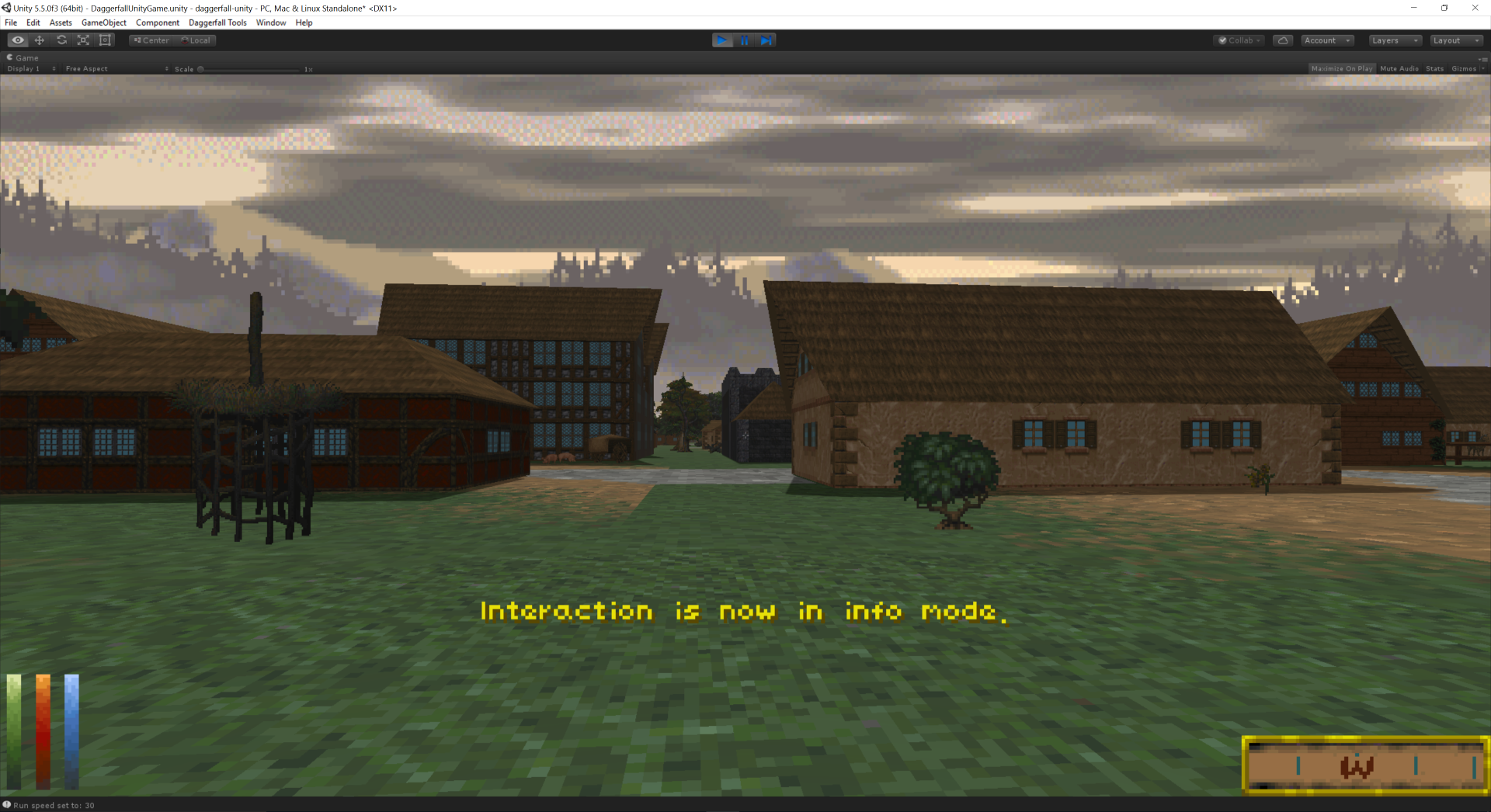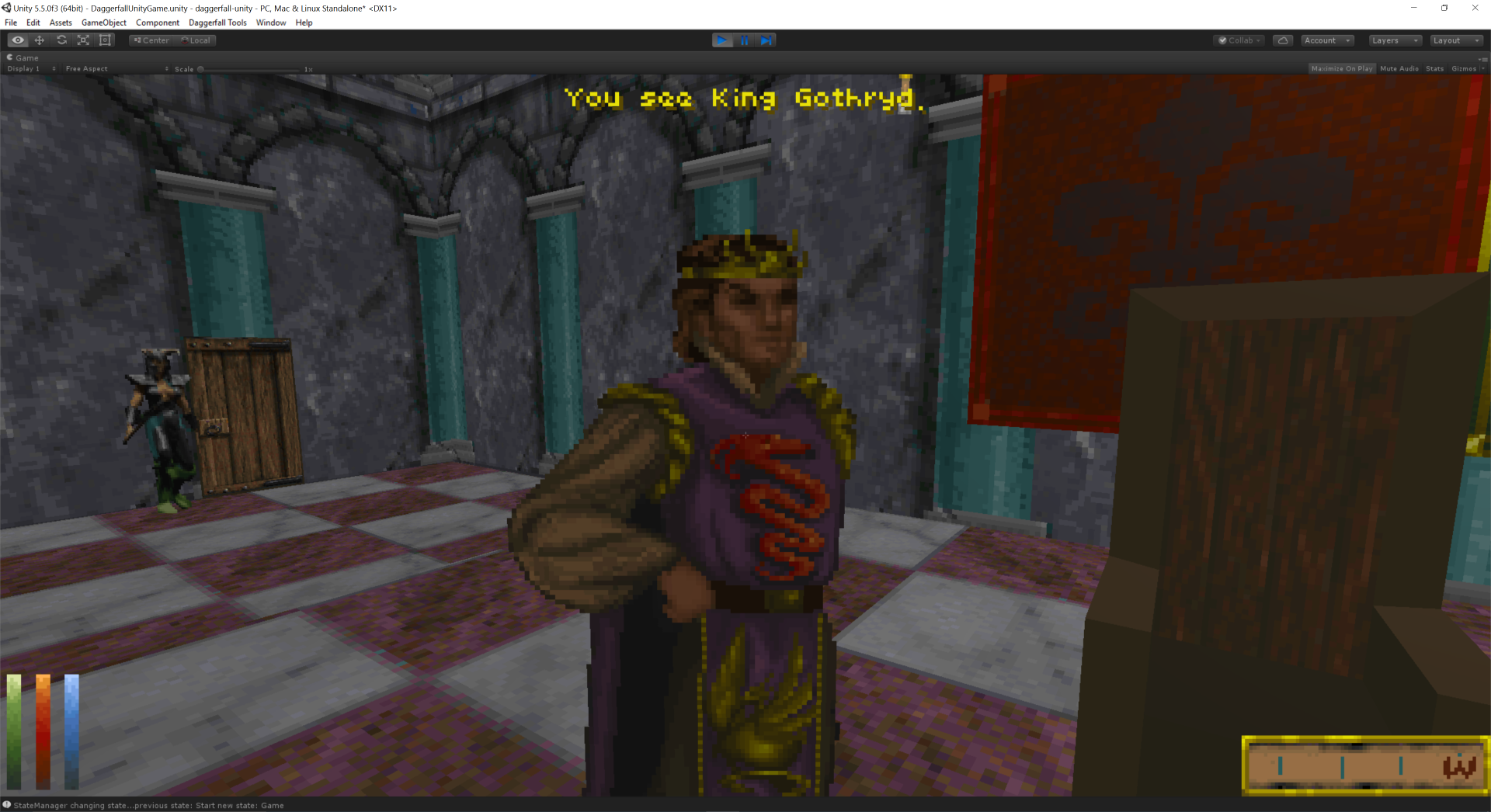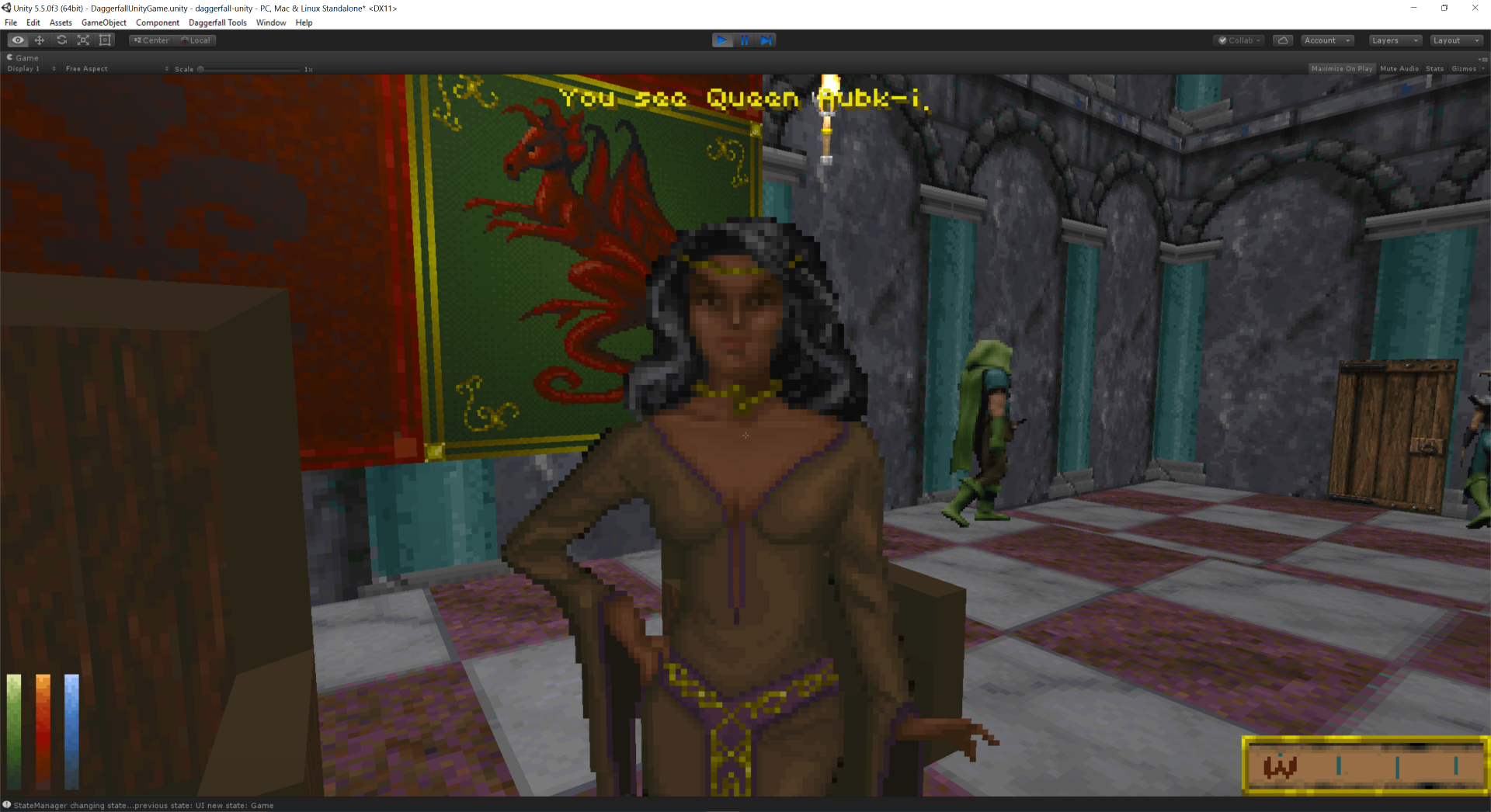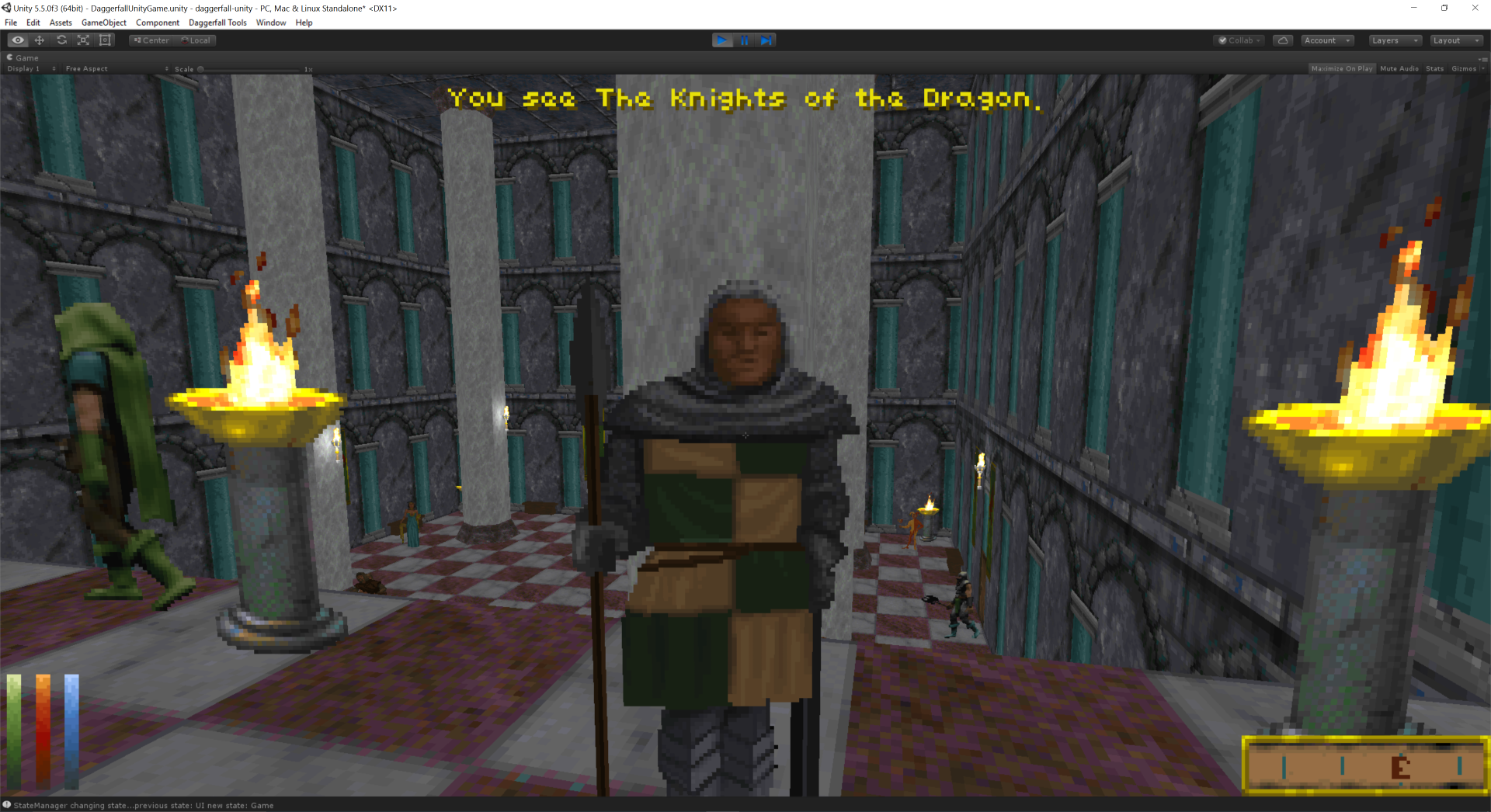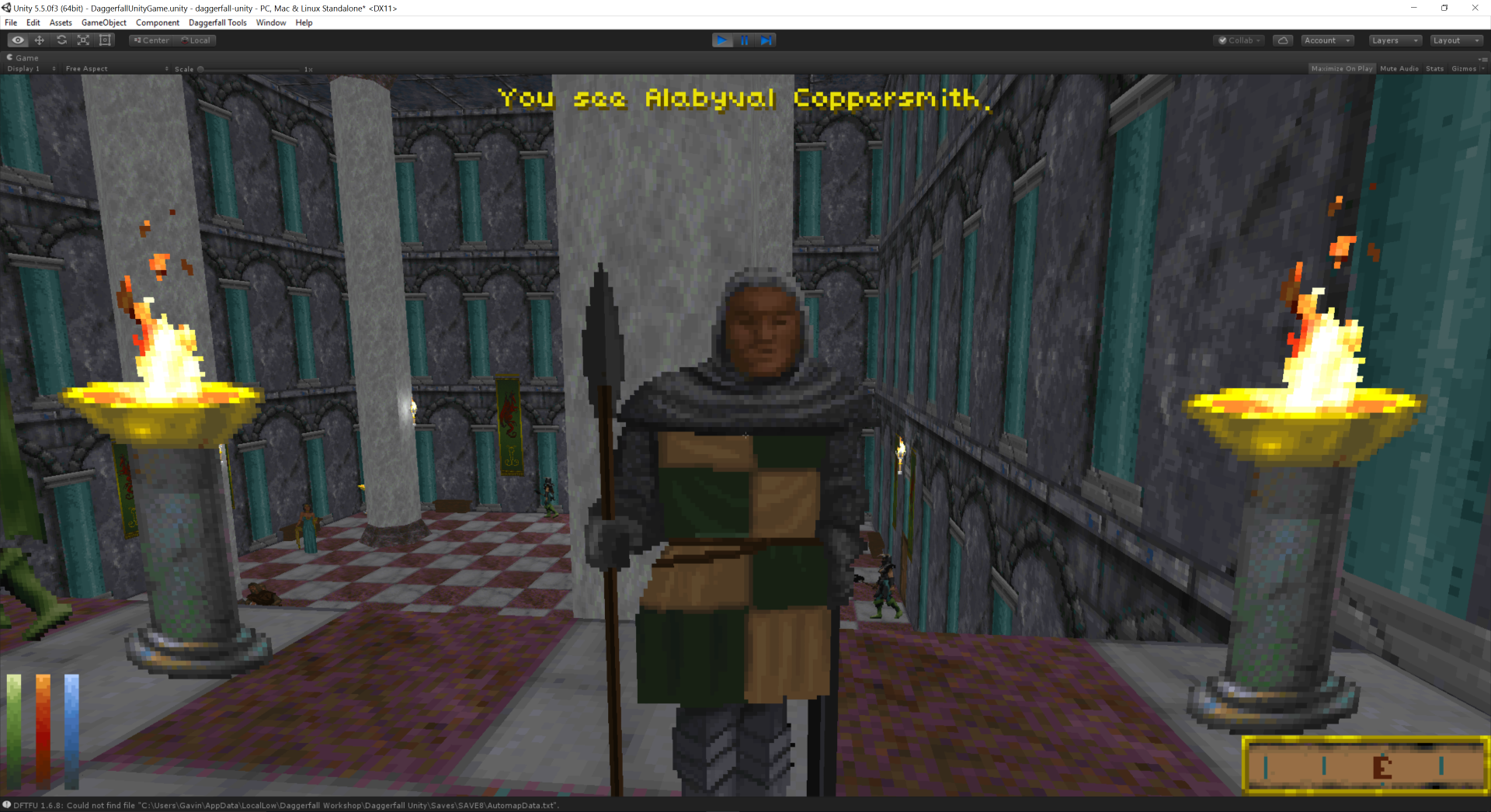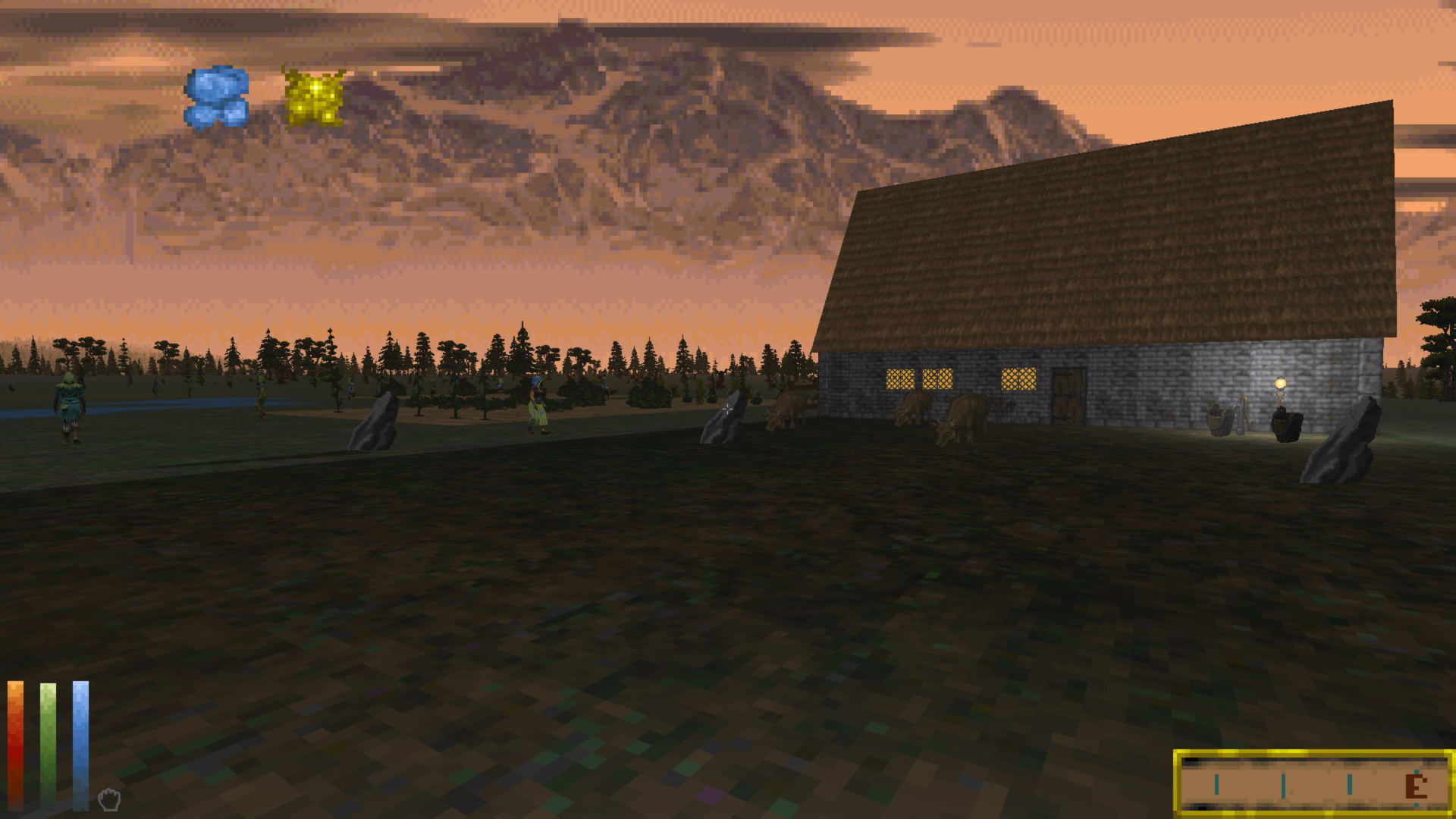
The first official beta release for Daggerfall Unity is now ready to download from Live Builds page. This is only a small update over 0.10.28 release, which was a “pre-beta” test just to make sure there were no showstopping bugs before Beta proper. If you haven’t already, please read that article for more information about recent builds.
So yeah – beta. The game is feature complete and working well. If you’ve been waiting to play Daggerfall with smooth controls, quality of life improvements, and epic mod support, there has never been a better time than now. We still have some quirks and bugs that need to be fixed, but after 18 months of intensive fixes and improvements during alpha, this game is in pretty good shape. The feedback loop of near-monthly releases to community with rapid fixes over several years has proven to be a good formula for this kind of game. This will continue right through to 1.0 and beyond to make the best version of Daggerfall possible. Only the frequency and magnitude of updates will slow down as there’s not much left on the plate beyond fixing bugs and gradually expanding mod support.
If this is your first time here – welcome! You might also be wondering what Daggerfall Unity is, how it came to be, and who were the people involved? So rather than just info-dump the small number of changes in this release (scroll to the end for that), I thought it might be a good time to take a look back at the journey leading up to this point. We only get to reach beta once, so pull up a chair and settle in for the ultra-condensed version. I won’t bore you with the full history, you can check out the About page and this tweetstorm for more about me and this whole journey.
The Early Days 1996-2003
My name is Gavin “Interkarma” Clayton and Daggerfall Workshop is my site. After buying Daggerfall in 1996, I fell in love with the game. So much so that by 2000/2001, I began writing tools to view textures and 3D models from the game, including small chunks of locations called “blocks”. This culminated in a program called Daggerfall Explorer written for Windows 95, which incredibly still works today. Daggerfall Explorer was written in C++ and used a custom 3D engine on top of DirectX 8.1 which I called the Alchemy Engine. Sweet name, right?
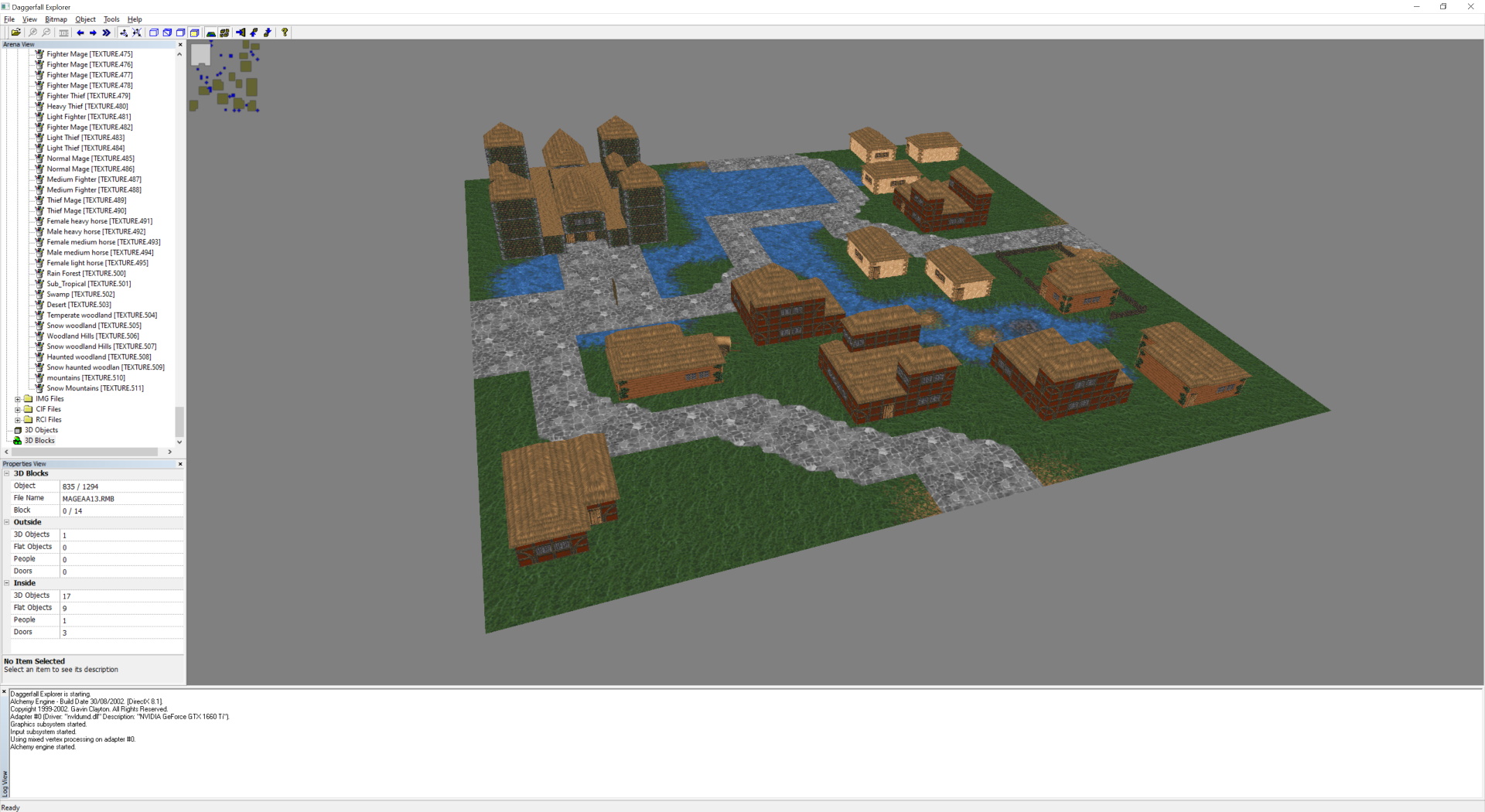
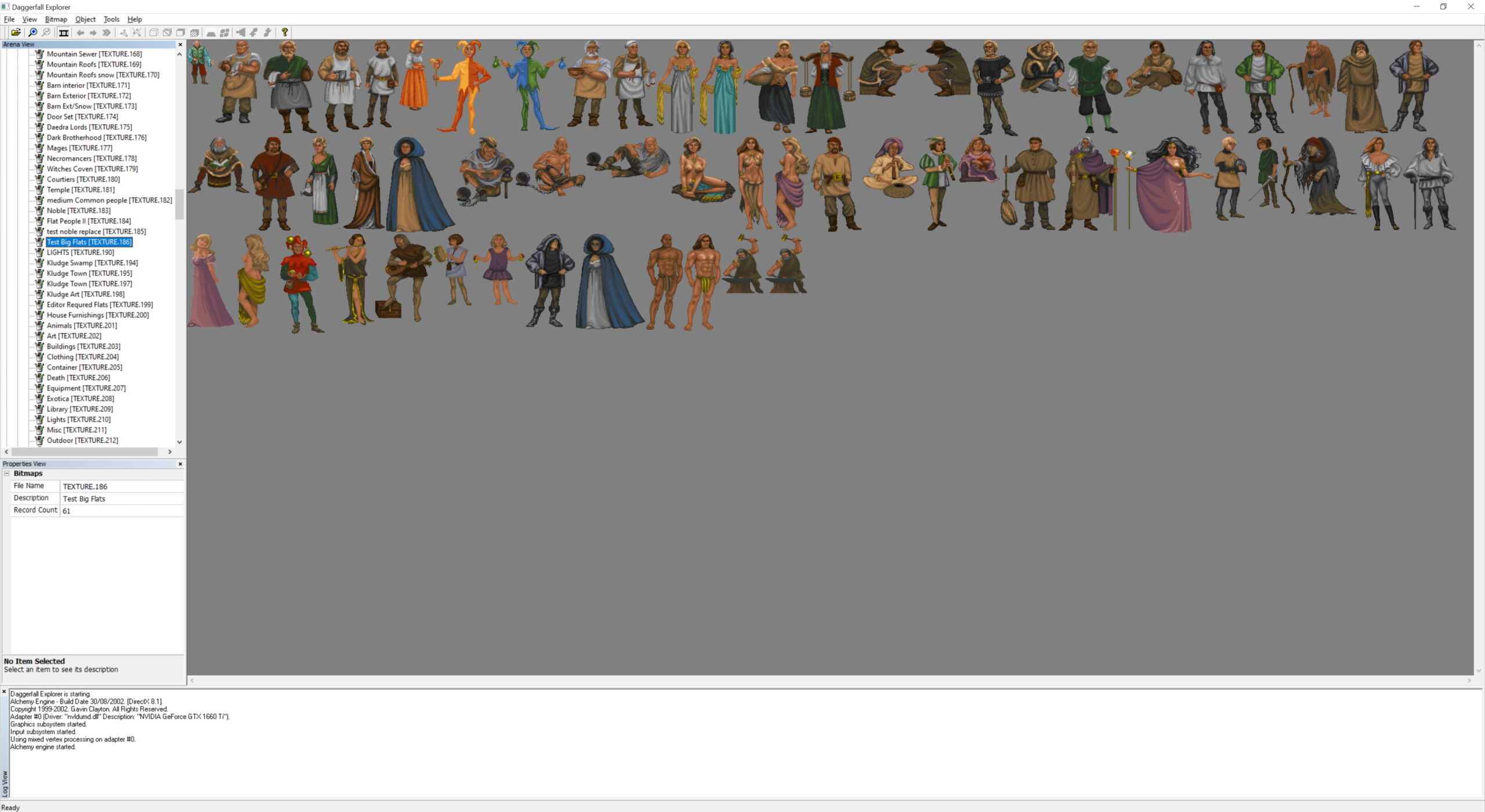
Notable other people around this time were Dave Humphrey who founded the UESP, and Donald Tipton who made several excellent tools. There were many others hacking away at the game data formats back then, and my early efforts build directly on the knowledge they shared. Not everything was well understood, however. Some real basics like how UV coordinates were stored and several other file formats were still a complete mystery. These would continue to be understood as the years rolled by thanks to a sharing and wonderful community.
I continued to build more tools for Daggerfall such as Daggerfall Cartographer (view full cities), Daggerfall Imaging (view and export textures), and Daggerfall Jukebox (play and export music). Late in this tool-building stage, around 2003, I actually attempted a Daggerfall remake that didn’t get off the ground. I didn’t have the experience and the necessary social framework for this kind of project simply didn’t exist, so this attempt failed rather quickly. It was a good learning experience, but my interest faded for a while after that.
More Tools 2009-2012
In 2009, I got back to work building more Daggerfall tools. This time around, I constructed a C# library called Daggerfall Connect to read the game data formats and update with some of the new understanding of file formats that had emerged through the intervening years. This culminated in Daggerfall Imaging 2 and Daggerfall Modelling, both evolutions of my previous tools. By this point, it was possible to explore entire cities and dungeons, and even export models to COLLADA format.
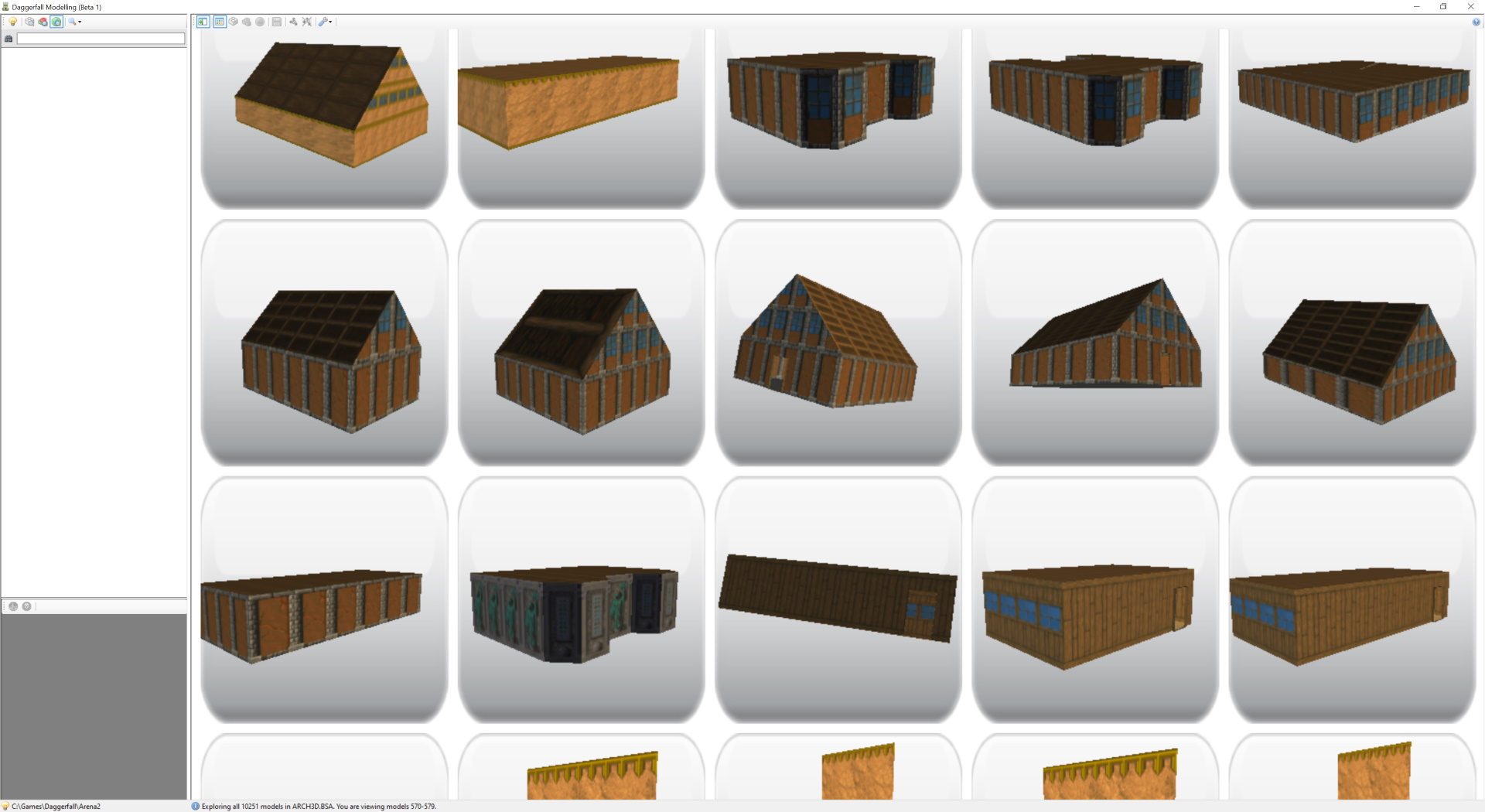
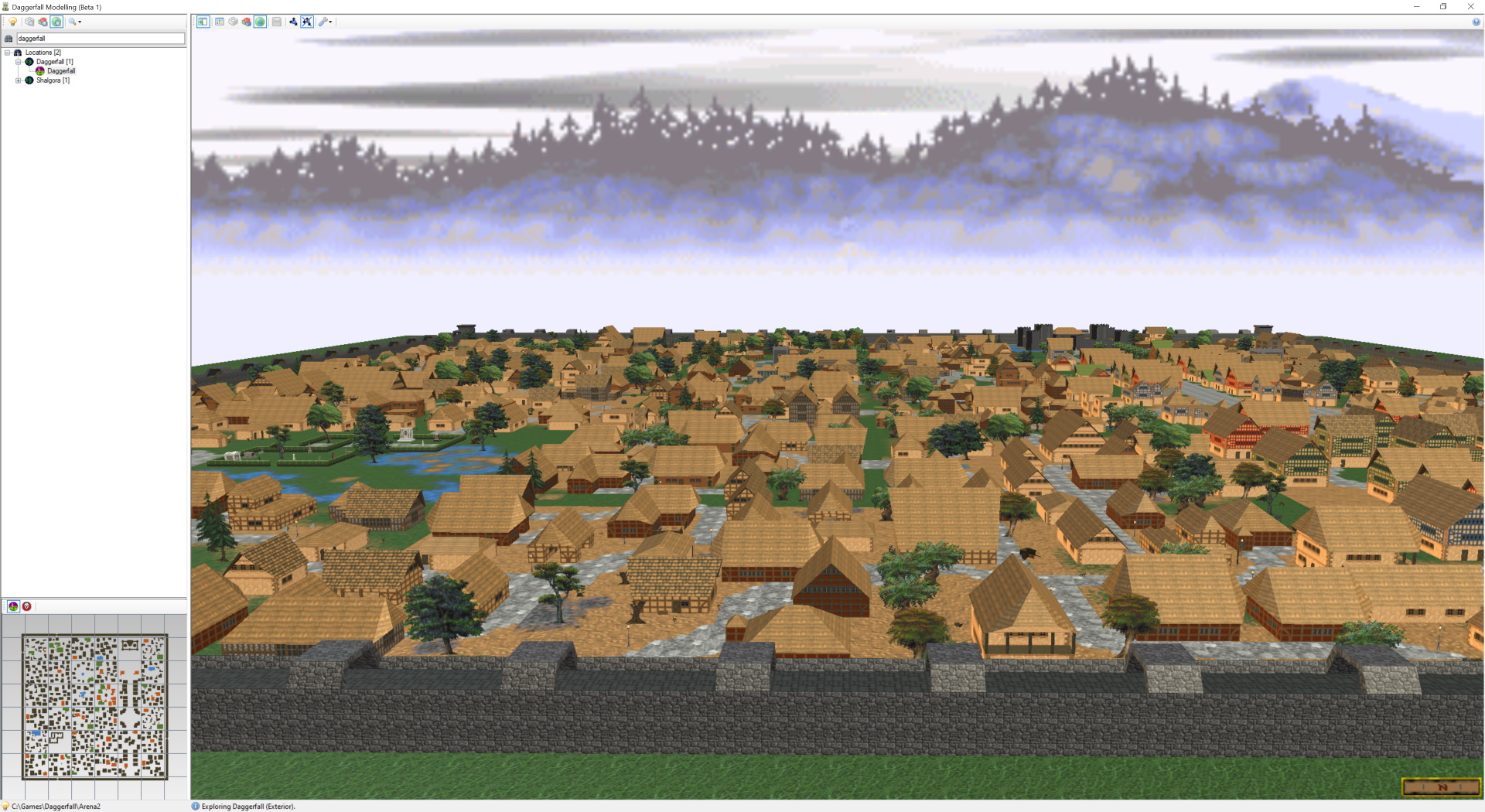
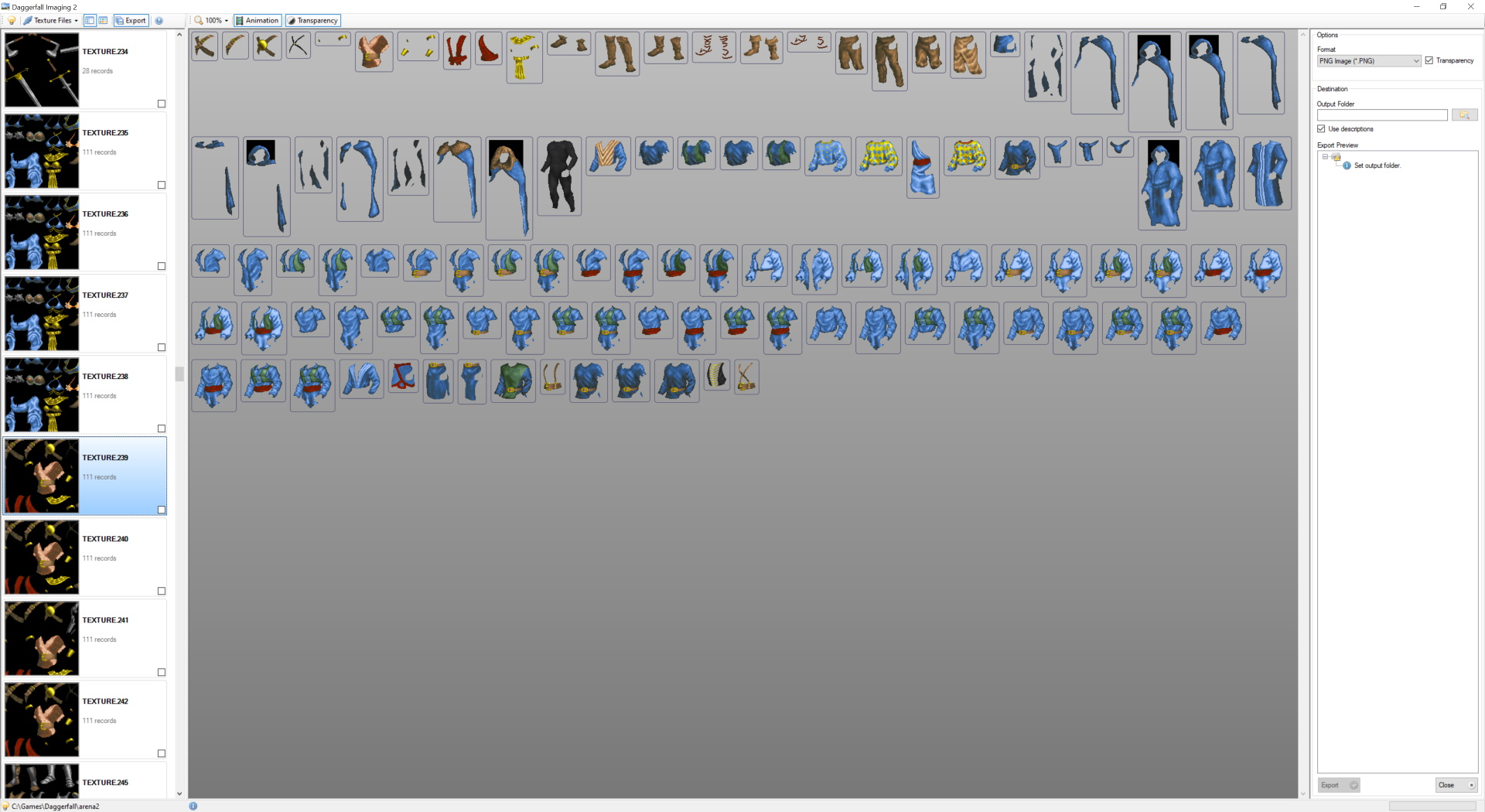
A code library written in C# turned out to be a great decision. This library was very fast and portable between engines – even operating systems. Without realising it, I was laying the foundation of would eventually become Daggerfall Unity.
Daggerfall Tools for Unity 2014
Looking around for something to do while learning the Unity engine in 2014, my wife suggested doing something Daggerfall related. Start with something familiar to learn something new. After a few hours of tinkering, I found my old C# Daggerfall Connect library would plug directly into Unity, and I had the foundation of what became Daggerfall Tools for Unity.
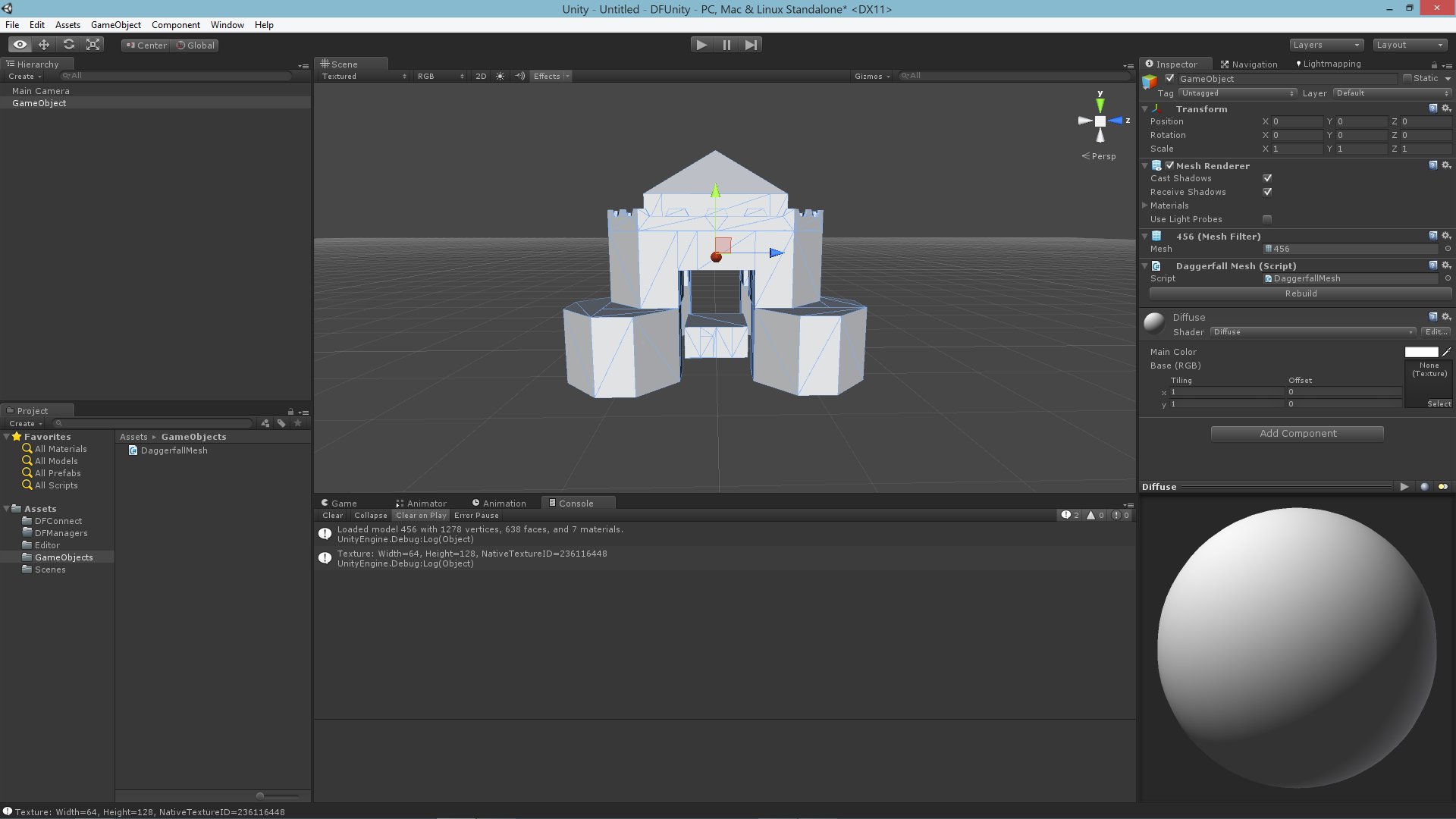
In a couple of months, I had the whole world working with basic exploration and combat, and it was obvious we had something special on our hands. It wasn’t a full remake just yet, but even at this early stage a few contributors had appeared like Lypyl and Nystul, helping to expand the tools and show just how easy it was to create cool Daggerfall stuff. Remixing and rebuilding Daggerfall had never been more open and easy to all-comers.
Daggerfall Unity 2015-Present
By mid-2015, the number of voices asking for a true remake became overwhelming. I drafted a Mission Statement and a Roadmap that would define the next several years of my life, and the lives of many others. By November 2015, the first test build of Daggerfall Unity was released with Character Creation and most of the game’s framework in place. It was pretty raw and I still had no idea how to do a lot of stuff, but the bones were solid and the heart was beating strongly.
This is where other serious contributors started appearing and helping to build the game. After Lypyl and Nystul came TheLacus, InconsolableCellist, Allofich, Hazelnut, Numidium, Meteoric Dragon, Pango, Jay_H, Ferital, JorisVanEijden, and jefetienne. These were the contributors who made frequent and substantial contributions to the game and it’s underlying code.
It’s simply not possible to cover everyone’s work over the last several years in full detail, but I’ll try to cover the highlights. Read back through the update archive on this site for the full history or review our GitHub Contributors page to see just how much work has gone into this game. I’ll keep expanding this list out as the right words come to me. If anyone feels left out here, it’s not intentional. There are just too many people involved and so many years of work to think of everything. If I’ve missed something you’re proud of, please contact me and I’ll add it below.
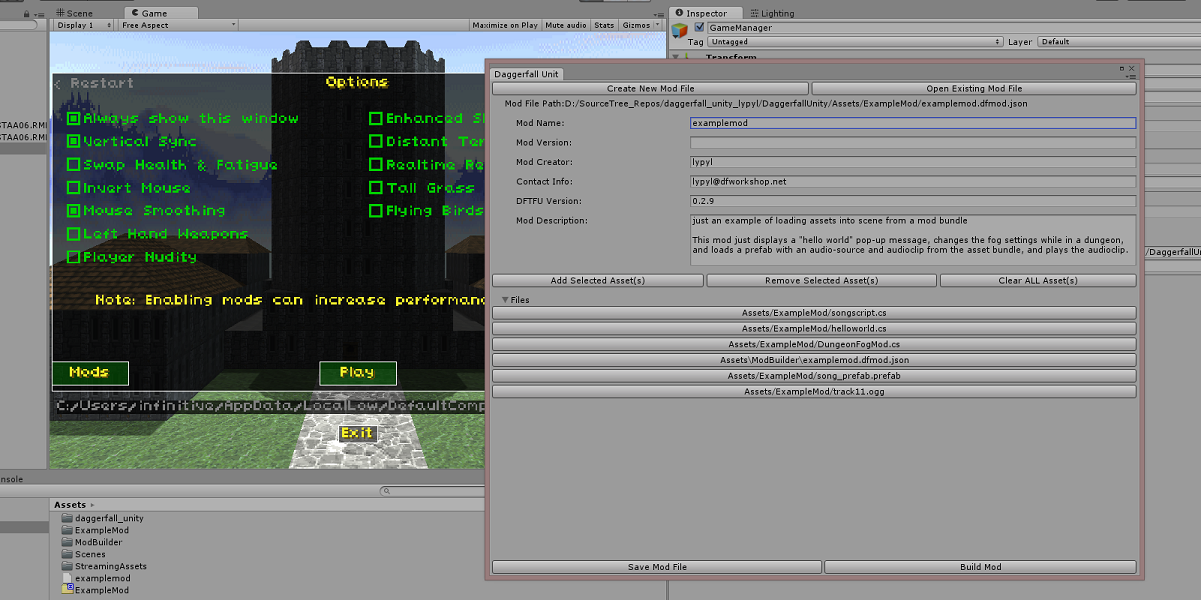
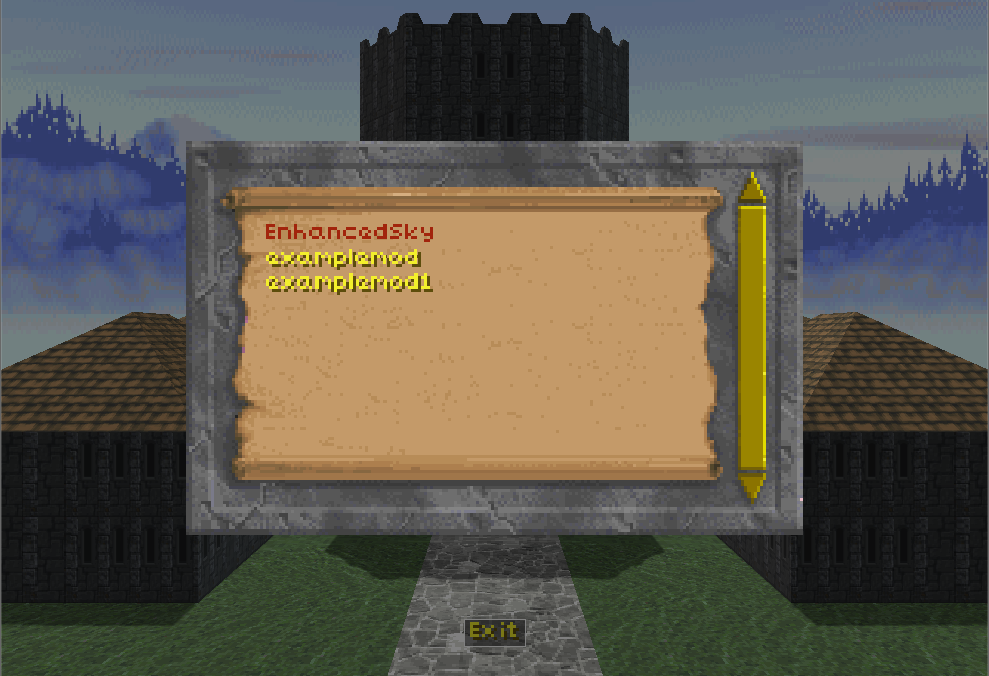
Lypyl was the very first contributor and champion of Daggerfall Tools for Unity. He reverse engineered and implemented pretty much all remaining dungeon action records, and did some truly wild and wonderful things with DFTFU. He created the Enhanced Sky mod and architected the foundations of the mod system we still use today.
Nystul implemented the Automap and Talk UIs, and some amazing early mods like Distant Terrain and Realtime Reflections. Nystul was also involved in several other systems critical to the game’s early development.
TheLacus is most known for dialling the mod system up to 11 and building on top of Lypyl’s early foundations. TheLacus also documented the Daggerfall Unity API and mod systems in great detail, and created excellent tools around mod and quest authoring. Without this important work, the mod scene would be much smaller than it is today.
Allofich famously excavated the guts of classic Daggerfall to help DFU stay true to classic’s formulas and behaviours. Allofich also implemented advanced enemy AI and much more. His insights into Daggerfall’s inner workings advanced our knowledge well beyond the Chronicles and UESP alone. The game we have today would be far more divergent without him.
Ferital also reverse engineered several vital systems from classic and helped them reach parity in DFU. The talk and reputation systems particularly were refined extensively by Ferital. He’s also known for fixing many texture issues and other small gripes with classic game data so that DFU can be a better experience. On a personal note, Ferital was one of the first to encourage and support my exploring tools back in the early 2000s.
Hazelnut burst onto the scene with horse riding and went on to implement guild services, taverns, potion maker, and much, much more. Hazelnut is also a powerful force in the modding community, building support and helping others come to grips with the mod system. His mods are legendary, including Archaeologists, Roleplay & Realism (with Ralzar in parts), Basic Roads, and more. He is not only one of the most prolific contributors to Daggerfall Unity, he has been a true friend and supported me privately through some of the darker months. There’s no way to accurately capture just how important Hazelnut is to this project.
Meteoric Dragon built Advanced Climbing and other movement & camera systems. He also helped refine systems like underwater swimming, climbing out of water, and smoothly mantling onto a surface. If you walk, run, jump, swim, climb, or fly in Daggerfall Unity then you’ve experienced Meteoric Dragon’s work. He also added some work to the effect system and a few other subsystems beyond movement.
Jay_H was our resident quest ninja, building hundreds of new quests for Quest Pack 1 while performing deep fixes and improvements to the classic quests. Jay_H was also a positive force in the community helping others come to grips with the quest system and always ready with kindness for others. He helped moderate the forums and keep our little corner of the web a nice place to visit.
JorisVanEijden expanded our knowledge of the quest system, helping it to reach closer parity with classic. He also refined many subsystems and expanded on areas where my work could be considered “placeholder” at best. Joris was another one who patiently supported me when I struggled to understand something fully. The game is better in several places thanks to his help.
Jefetienne constructed the controller input system while overhauling and improving many part of input and related UIs. He is also known for opening some parts of the core game up to mod system, and helping to find and fix several bugs. He also created the screenshot feature and advanced keybinds UI.
Numidium is best known for custom class creator, class questionnaire, and many fixes and improvements across the core game. Numidium also implemented several artifacts for the effect system and bug fixes in other parts of the game.
Pango is another prolific core contributor to Daggerfall Unity. He worked hard through every system of the game, fixing bugs and improving as he went. I’ve watched him support people on several platforms in multiple languages. There just aren’t enough words for how important Pango was to this whole process. There was no job too big or too small for him to take on. He filled in the blanks where my own knowledge was lacking, and remained patient with me when I lacked understanding. Daggerfall Unity would be half the game it is today without his patient and clever hands on the wheel alongside us.
On the modding side, there are also many notable figures who deserve a mention.
King of Worms created the amazing D.R.E.A.M. mod which enhances almost every part of Daggerfall Unity from the textures to the music, to little touches like night and day dungeon exits. His work became so familiar that to many people it’s simply impossible to play Daggerfall Unity without his mods installed.
AlexanderSig crafted the sublime handpainted 3D models to uplift the base assets and even replace many 2D objects with true 3D objects. His work is also closely associated with Daggerfall Unity.
Uncanny_Valley is behind Taverns Redone, Mountains & Hills, and more.
Ralzar has created almost a dozen fantastic mods like Climates & Calories, Torch Taker, Realistic Wagon, Unlevelled Loot, and more. He has also been active helping users across the forums and on reddit.
Kamer is the mastermind behind the fiendish Warm Ashes quest mods pack, adding dangerous encounters around dungeons, wilderness encounters, sieges, and more. He has also created visual mods adding Rocks and Windmills, and expanded on town populations in Villager Immersion Overhaul.
There are so many others who made important contributions helping Daggerfall Unity become what it is today. Head over to the Credits topic on forums to see a complete list. In total, more than 45 people helped to make Daggerfall Unity. That’s just on the development side, it doesn’t count the modders and scores of community members reporting bugs over the years. Something that started as a small solo project quickly exploded into one of the most comprehensive and successful fan recreations of a classic game to date. Even if you hold no love for this project, it’s hard to deny just how hard everyone worked, how much love was involved, and how successful the project model proved to be.
Plea for a Future
Daggerfall Unity is made by the Daggerfall community out of love and love alone. This project has never been and will never be monetised. This site has no advertisements and no donation button. I didn’t create a Patreon for the whole of Daggerfall Unity’s development. Every time someone offered to contribute money to me or the project, I politely refused. At every turn, I tried to send a clear message this project is not about making money from Bethesda’s intellectual property. Even the name Daggerfall Unity is more a play on words – it references the engine used but is really a testament to the open development process. Daggerfall Community Edition would have been just as good a name.
Furthermore, you must own a copy of Daggerfall for the asset files essential to make Daggerfall Unity work. It’s a drop-in engine replacement over the original game, not a standalone product. Thankfully, Daggerfall itself has been freely available from Bethesda themselves and many other places online for several years. This means DFU is really a free upgrade to a free game, made by the community for the community.
For all these years, Bethesda has quietly tolerated our tiny presence working in their shadow to rebuild and reimagine their greatest early game. They could have squashed this project at any time, but mercifully chose to let it thrive as an offshoot to the wider Elder Scrolls modding scene. For that, I want to say thankyou. From the bottom of my heart – thank you. This game means the world to me and many thousands of other people. I’ve been contacted by people who said this game played a part in helping them out of depression and reconnecting with friends, that it made their lives better. I believe these heartfelt words and it brings me joy to know all these years of work have brought other people some happiness.
With that, I want to make a simple plea. Please let Daggerfall Unity continue to thrive in the hands of the community who created it. As ownership of The Elder Scrolls passes to Microsoft and into new hands, please let this project continue to be everything it can be. This is something special and virtually unique. A functioning and complete fan recreation that survived not only its own development but the potential of being shut down at any time. It’s a strange and beautiful thing that has no real right to exist, and yet here it is. Please let it continue to be.
Conclusion
That’s all from me for now. Daggerfall Unity is feature complete and can only get better from here. The beta builds are ready for download and Nexus has well over a hundred Daggerfall Unity mods all ready for your enjoyment. Go play and be happy, then send us some feedback. We made it so far thanks to positivity and encouragement from others, and I’m confident that will continue into the future as we approach 1.0. Even as our many developers come and go, the project itself lives on with its singular spirit of collaboration.
As promised, there are a few changes in the 0.11.0 release. Here’s a quick list for anyone wanting the patch notes for this version.
- Alternate Music setting to play FM versions of songs (Numidium)
- Allow custom Renderer for ObjectPositioner (TheLacus)
- Improve indoor guard spawns to use farthest entrance (Numidium)
- Harden SettingsManager against bad values read to reduce most cases of broken settings.ini causing a black screen (Interkarma)
- Flag emission for special case windows 036_2, 151_3, 154_3, 351_3 (Interkarma)
- Fix desert Mages Guild window emission (Interkarma)